
Today we are proud to announce the release of the QuickBooks Online Integration in beta. The integration will provide a one way sync for your invoices in Invoiced into QuickBooks Online (QBO) and a one way sync to export your Customers from QBO to Invoiced.
This means that you can push your invoices in Invoiced into QBO. Whenever you update your invoices in Invoiced it will automatically update the corresponding invoice in QBO every time you run the QBO Integration. Invoiced will also create the accompanying customers, payments, line items, tax, and discount associated with the invoice in QBO.
The customer one way sync will let you download and/or update your customers in Invoiced based on the corresponding customer in QBO.
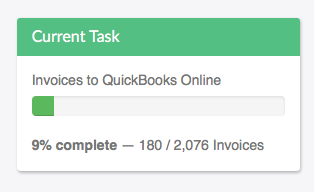
You can start syncing your billing data with QuickBooks Online by going to Settings> Accounting Sync or else reading our QuickBooks Online Integration Guide to learn more.
The QBO Integration represents one of many integrations to come.
Happy Invoicing!